Before connecting your device, please note the following important information:
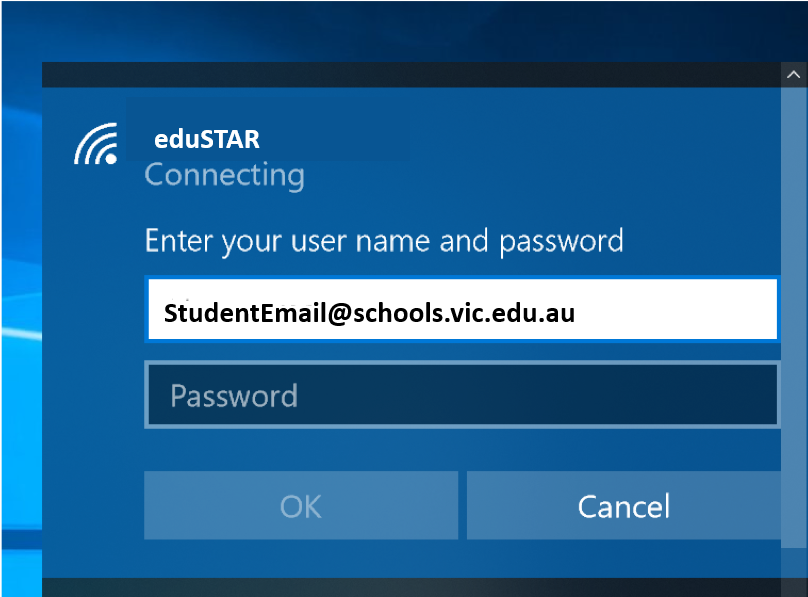
Your school email address is your school username, with @schools.vic.edu.au added.
-
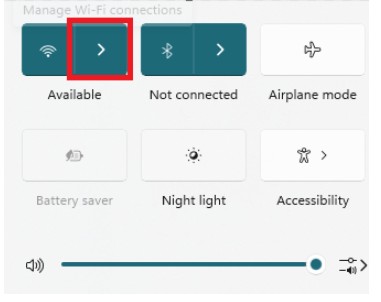
At the college, click on the World or Network icon in the bottom right-hand corner of your taskbar.
-
Click Wi-Fi.
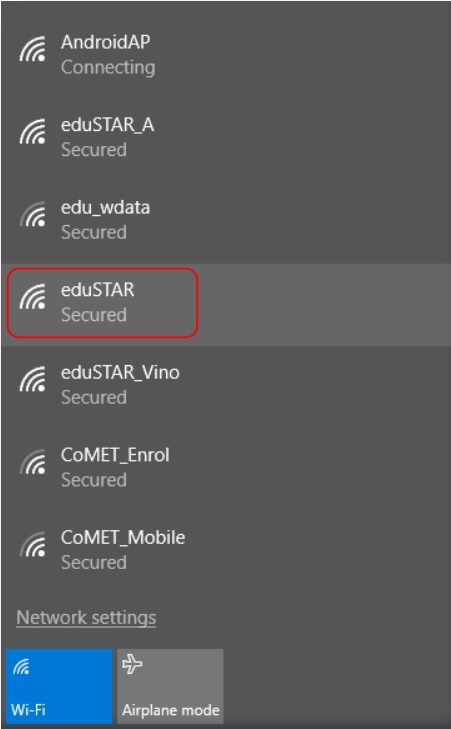
- select eduSTAR from the list of available Wi-Fi networks.
Enter your school email address and school password from your Login Information email, ask your teacher if you are not sure.
You might be asked to select Continue if you trust the network or a certificate to connect
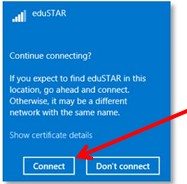
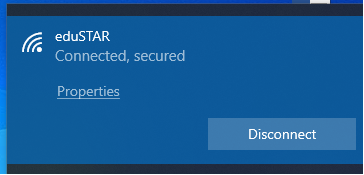
Allow or continue to finish the connection.
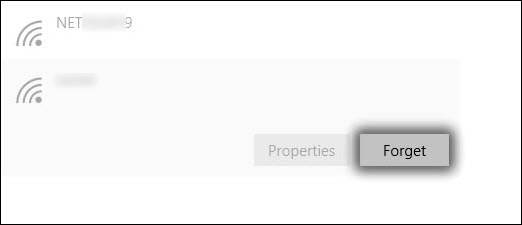
Occassionally, other schools add eduSTAR Wi-Fi via a Configuration Profile. If your previous school was using eduSTAR and you’re struggling to connect, you need to forgot eduSTAR Wi-Fi first.
From the Windows desktop, navigate:
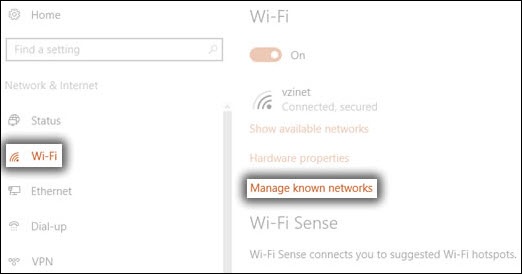
Tap or click the eduSTAR Wi-Fi network name. and click Forget